
New in Owll: Edit Speaker Names and Build Lasting Speaker Profiles
Published: October 2026 · Product Update
We just shipped one of the most-requested features in Owll: Speaker Editing.
You can now rename any speaker label directly inside your transcript — and Owll will remember that person across every meeting going forward. Here’s what’s new and how it works.
What’s New
Before this update, Owll labeled speakers automatically as Speaker 1, Speaker 2, and so on. The voices were separated correctly, but putting real names to them required manual cross-referencing.
With Speaker Editing, you can now:
- Rename any speaker in one click — changes apply across the entire transcript instantly
- Save speaker profiles — Owll remembers the voice and applies the name automatically in future meetings
- Search by person — find everything a specific person has said across all your meeting history
How to Edit a Speaker Name
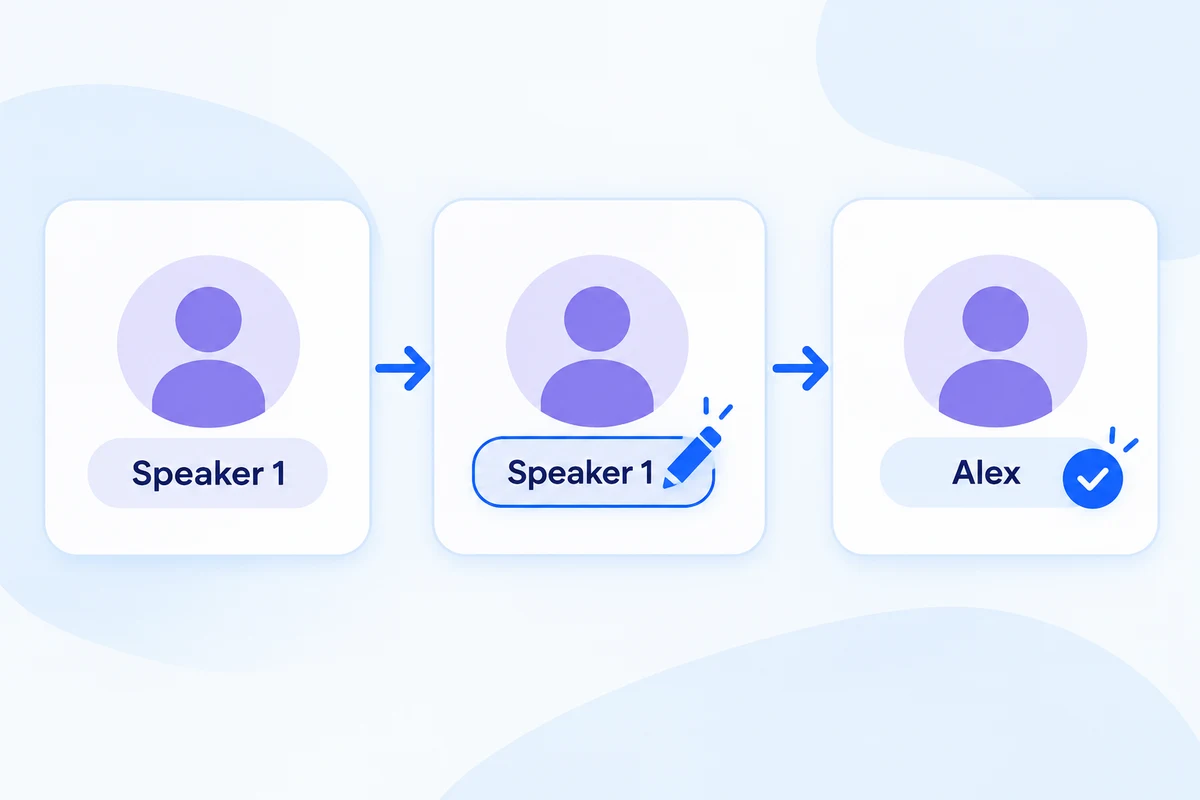
- Open any meeting transcript in Owll
- Click the speaker label next to any line (e.g. Speaker 1)
- Type the person’s real name and press Enter
- The name updates across every line that speaker said — instantly
No re-labeling needed for future meetings with the same person.
Speaker Profiles: One Name, Every Meeting
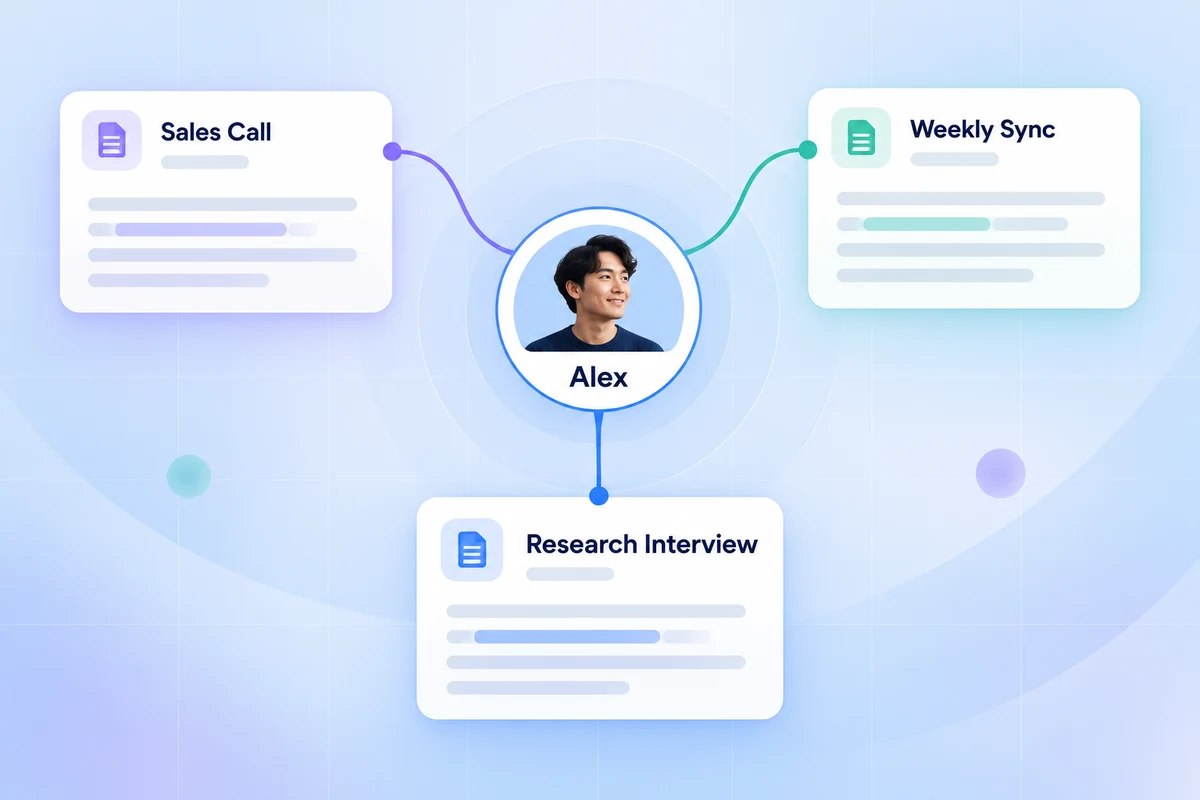
Once you name a voice, Owll creates a speaker profile tied to that person’s unique voice pattern. The next time they join a call, Owll recognizes them automatically and applies the correct name — whether it’s a weekly sync, a client call, or a research session.
Speaker profiles work across your entire meeting library. Search “What did Alex say last month?” and get attributed quotes from every meeting — no manual tagging required.
Works Across All Your Meeting Types
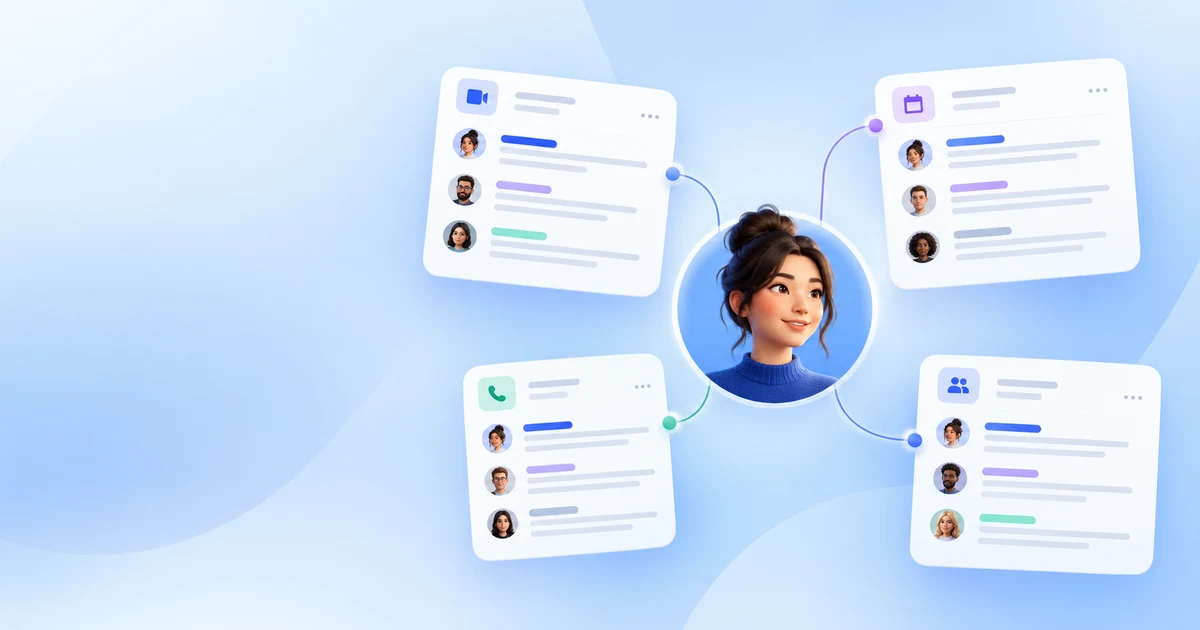
- ☑ Zoom video calls
- ☑ Microsoft Teams meetings
- ☑ Google Meet sessions
- ☑ Uploaded recordings (audio or video files)
When to Use It
| Situation | What to do |
|---|---|
| First meeting with a new client | Rename speakers right after the call |
| Recurring team standup | Name each person once — Owll handles the rest |
| Research interviews | Label interviewees by name for easy quote search |
| Sales calls | Track every prospect’s exact words across the deal cycle |
Want to learn more about how Owll handles meeting transcription? See our guide: How AI Meeting Transcription Works.