On this page
The best note taking app for Mac depends on the kind of work you do there. Apple Notes is convenient for quick personal notes. Bear and Craft are made for focused writing. Obsidian suits local, linked knowledge, while Notion works well for structured team documentation. If your notes begin as meetings, interviews, lectures, or voice memos, Owll takes a different approach: record on Mac, review the transcript, and turn the conversation into a usable summary.
How to choose the best note taking app for Mac
A Mac-first app should make desktop work faster, not add another system to maintain. We looked at six practical questions:
- Can you capture an idea without losing focus?
- Are notes easy to organize in a large window?
- Do search, keyboard navigation, and file handling feel natural on Mac?
- Does the app match your input: typed text, handwriting, saved research, or speech?
- Can you review the note later and find the important detail?
- Can you export useful content if your workflow changes?
There is no universal winner. The right app depends on whether your information starts on a blank page or in a conversation.
Quick comparison
| App | Best Mac workflow | Best for | Main trade-off |
|---|---|---|---|
| Apple Notes | Quick notes, checklists, scans, and personal organization | Familiar native capture | Less suited to complex knowledge systems or long-form team work |
| Bear | Focused writing with tags and Markdown-style organization | Personal writing and lightweight research | Check collaboration and export needs before a large migration |
| Craft | Polished documents and structured pages | Writing, planning, and shareable notes | Rich structure can slow down quick capture |
| Obsidian | Local Markdown, backlinks, and linked research | Long-term ownership and connected knowledge | Sync and conflict handling need deliberate setup |
| Notion | Pages, databases, wikis, and project workspaces | Team documentation | Test offline behavior and complex exports |
| UpNote | Lightweight formatted notebooks | Personal notes without a full workspace | Verify current platform and export support |
| Owll | Meetings, interviews, lectures, and voice notes | Turning speech into searchable notes and summaries | It starts with audio rather than a blank document |
Features, pricing, and platform support change. Check the provider’s current information before moving an important archive.
Apple Notes: the easiest native starting point
Apple Notes is a sensible first choice if you already work in Apple’s ecosystem. It handles short notes, checklists, scans, and personal reference material with very little setup.
Choose it for convenience. If you plan to store research or shared project documentation there, test export, search, collaboration, and access from the devices your team uses.
Bear: focused personal writing
Bear fits writers and researchers who prefer a clean editor and tags instead of a large folder tree. It works well for ideas, reading notes, and personal knowledge that does not need a database.
Its strength is focus. Check web access, collaboration, and export before relying on it for a shared or multi-device archive.
Craft: polished documents
Craft is a good match when a note should become a clear, presentable document. It suits meeting briefs, project plans, study outlines, and writing that you expect to share.
The larger Mac canvas helps with structure and layout. As your library grows, test search and export so presentation does not come at the cost of retrieval.
Obsidian: local files and linked knowledge
Obsidian is built around local Markdown files and links between notes. It suits technical notes, research, and long-lived archives that should remain readable outside one application.
The trade-off is setup. You need a plan for sync, backups, attachments, and conflicts. If your main need is a quick meeting recap, a lighter workflow may be more practical.
Notion: structured team work
Notion is useful when a note needs to become a page, database record, wiki, or project workspace. A Mac’s larger screen makes it easier to build pages, filter databases, and compare related documents.
Choose Notion when structure and collaboration are the main problem. It is text-first, so a spoken meeting still needs manual capture or a transcript from another tool.
UpNote: a lightweight formatted notebook
UpNote can work well for personal notes, checklists, and small collections when plain text feels too limited and a full workspace feels excessive.
Before you commit, verify that the mobile, web, attachment, and export experience is good enough for the devices where you will actually read and edit.
Owll: meetings, interviews, and voice notes
Owll is for notes that start with speech. Record a meeting, interview, lecture, or voice memo on Mac, then review the processed transcript and AI summary instead of replaying the entire recording to find one detail.
A practical workflow is:
- Start with the official Mac download, then sign in to Owll.
- Select an available microphone and allow the requested permissions.
- Make a short test before the full recording.
- Check the transcript against the audio, especially names and figures.
- Use the summary, translated output, and action items for follow-up work.
Owll supports Mac, web, iPhone/iPad, and Android access. The available actions can differ by client and plan, so verify the path you need. See Owll’s Mac audio recorder and transcription workflow for setup details.
Which Mac note-taking app should you choose?
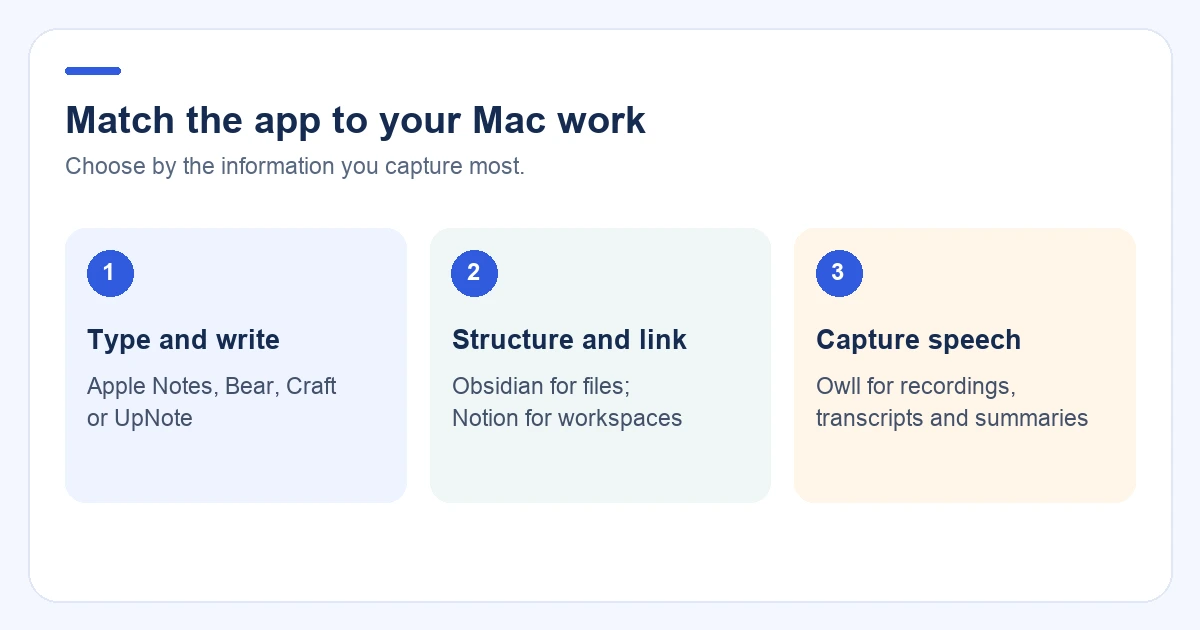
- Apple Notes for quick, familiar native capture.
- Bear for focused personal writing and tags.
- Craft for polished documents.
- Obsidian for local files and linked knowledge.
- Notion for databases and team pages.
- UpNote for a simple formatted notebook.
- Owll when the important information is spoken.
If you move between a Mac and a phone every day, compare the best cross-platform note-taking apps before deciding.
Test the workflow before switching
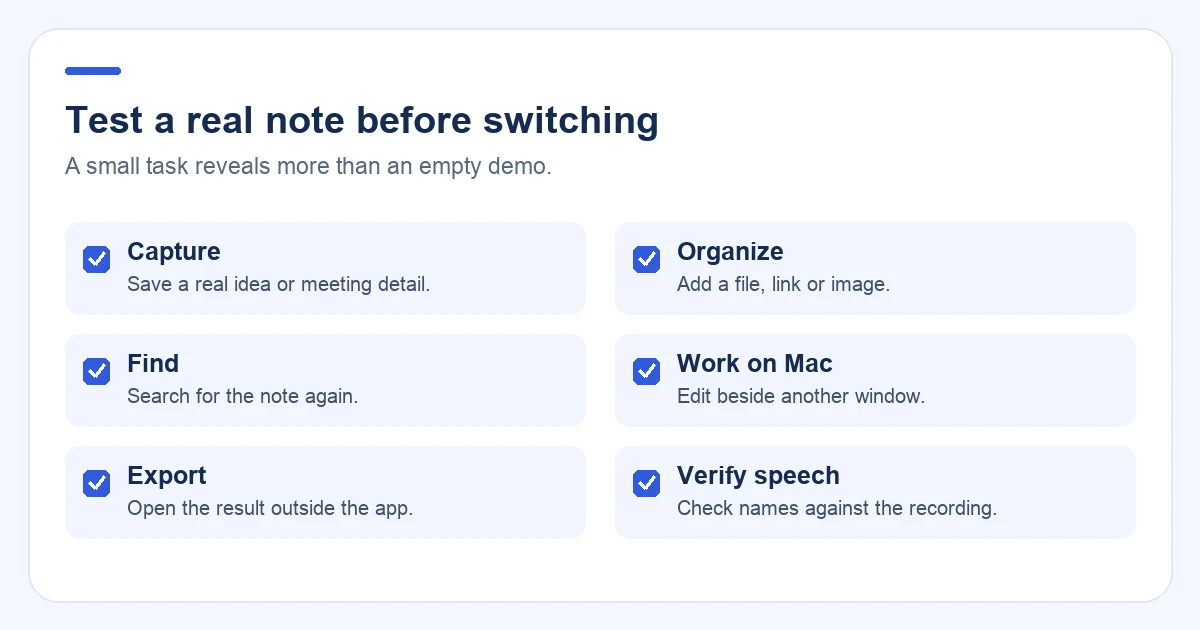
Use a real task, not an empty demo note:
- Capture a short idea or meeting detail.
- Add a file, link, or image.
- Find the note again with search.
- Edit it beside another Mac window.
- Export the result and open it outside the app.
- Open it on the device you use away from your desk.
For a voice-first app, also check the transcript, summary, and important names against the recording.
FAQ
What is the best note taking app for Mac?
Apple Notes is a convenient native choice, Bear and Craft suit focused writing, Obsidian suits local linked notes, Notion suits structured workspaces, and Owll suits meetings and other spoken conversations.
What is the best Mac app for meeting notes?
Choose a conversation-first tool when the meeting is spoken and you want a transcript, summary, or action items. Owll can record on Mac and let you review the processed note across supported clients.
Is Apple Notes better than Notion on Mac?
Apple Notes is simpler for quick personal capture. Notion is stronger for databases, linked pages, and shared project documentation. Test the workflow you use most.
Which Mac note-taking app works with voice notes?
A recorder or transcription workflow is better suited to voice notes than a blank document app. Owll turns spoken recordings into transcripts, summaries, translations, and follow-up notes.
Should I choose a Mac-only or cross-platform app?
Choose a Mac-first app when desktop experience is the priority. Choose a cross-platform workflow when you regularly switch between Mac, mobile, Windows, or web access. The sync guide covers the checks that matter.
Final recommendation
For typed personal notes, start with Apple Notes, Bear, or Craft. For local linked knowledge, choose Obsidian. For team documentation, choose Notion. For spoken meetings, interviews, lectures, and voice memos, test Owll on Mac and verify the complete path from recording to reviewed note on your other devices.
Continue with Owll on your devices
Sources and product information
Product information: Apple Notes, Bear, Craft, Obsidian, Notion, and UpNote. Use each provider’s current documentation to check features and plan limits.